

You can change your application’s enabled connections using the .Documentation Index
Fetch the complete documentation index at: https://auth0-feat-ionic-capacitor-quickstart-modernization.mintlify.app/llms.txt
Use this file to discover all available pages before exploring further.
-
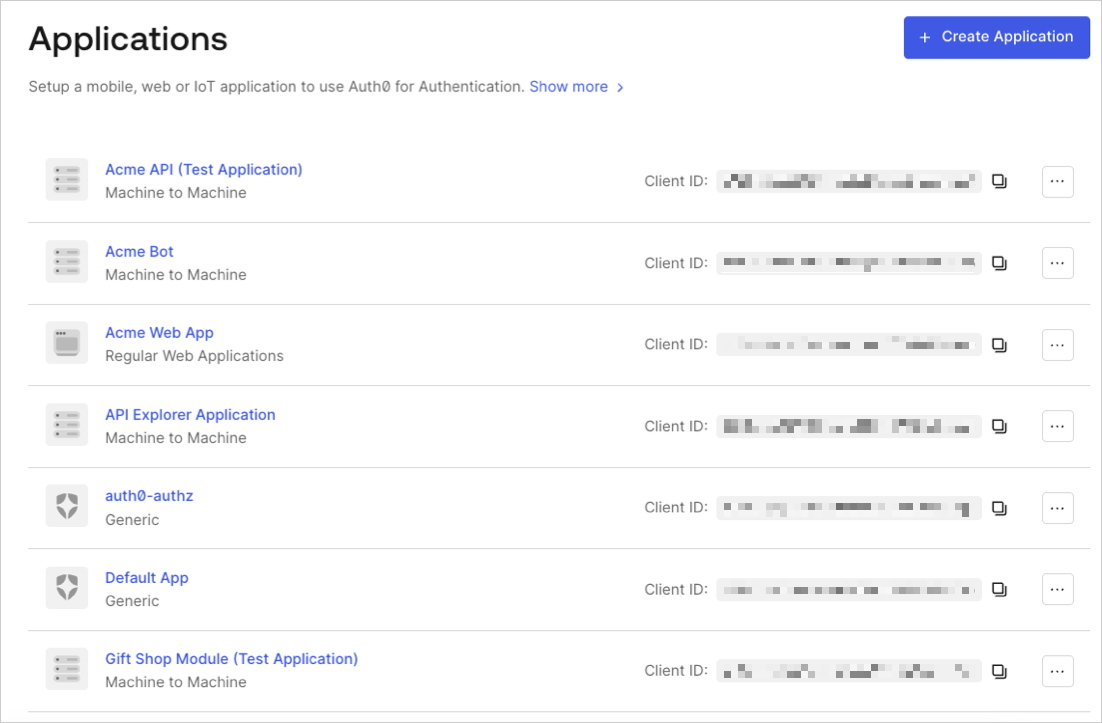
Go to Dashboard > Applications and click the name of the application to view.
- Click the Connections tab, and enable or disable the appropriate connections for the application.
Third-party applications can authenticate users through connections promoted to domain level or connections explicitly mapped to the application. To learn more, read Promote Connections to Domain Level.