

Once you’ve finished setting up your end-to-end test environment, you can manage how valid XAA applications can connect to each other in the Okta Admin Console.Documentation Index
Fetch the complete documentation index at: https://auth0-feat-ionic-capacitor-quickstart-modernization.mintlify.app/llms.txt
Use this file to discover all available pages before exploring further.
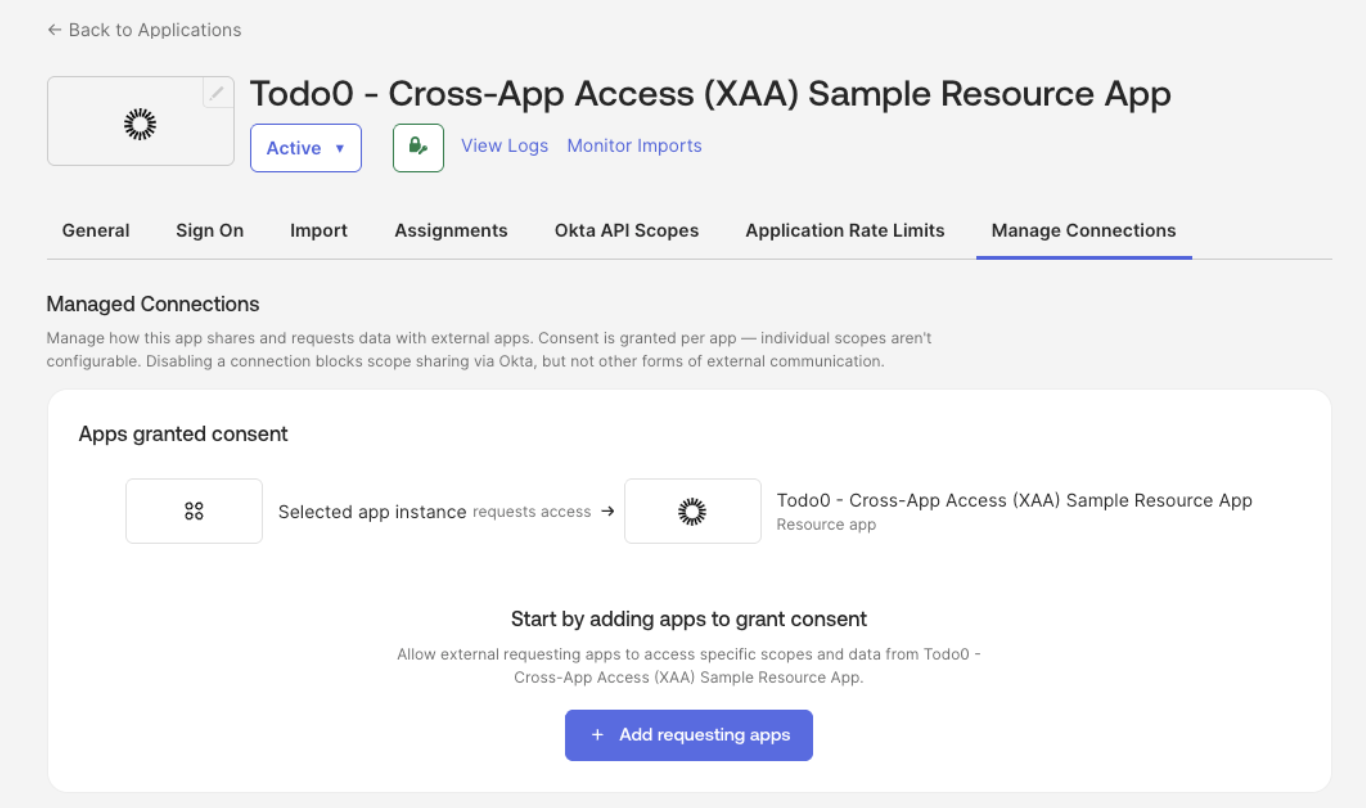
- Navigate to Applications > Applications and select your Resource App (e.g. Todo0).
- Under the Manage Connections tab, add:
- Requesting Apps: applications that can connect to your SaaS application
- Resource Apps: applications your SaaS application can connect to